Control Apple Music
with words, not clicks.
Type or speak what you want to hear. Now with Private Cloud Compute, no AI API key is needed on supported devices.
For Mac, iPhone, iPad, and Vision Pro.

Private Cloud Compute · New in AskPlay 2.0
Just ask. Apple Intelligence takes it from here.
Play a favorite, queue something new, or make a mix for your mood. Private Cloud Compute lets you use AskPlay without getting an AI API key.
Private Cloud Compute requires macOS 27, iOS 27, iPadOS 27, or visionOS 27 or later, with Apple Intelligence available on your device. Apple Music and AskPlay subscriptions are required.
Choose Apple Intelligence
Select Apple Intelligence in AskPlay settings to use Private Cloud Compute.
Skip the API key setup
No AI provider API key to create, copy, or manage. Type or speak your music request.
Keep your choice of provider
OpenAI, Anthropic, and OpenRouter are still available with your own key, stored securely in your device’s Keychain.
Built for the keyboard
A command layer for the music you already love.
AskPlay isn't a streaming service. It's a quiet, fast, native shortcut to everything Apple Music can do, without leaving the app you're in.
Lives in the menu bar on Mac
A live waveform icon in your menu bar while music plays, with no window clutter. The Dock icon is optional.
Option + Space, anywhere
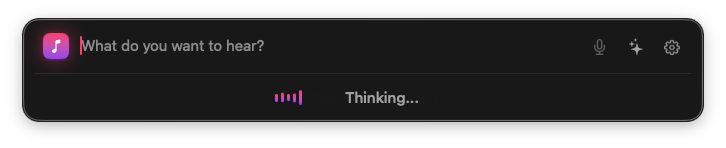
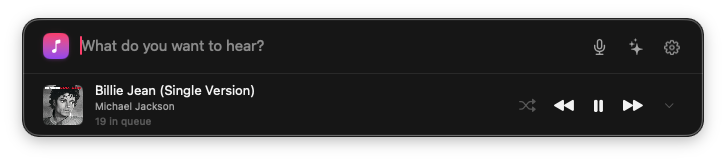
A Spotlight style prompt bar from any app on Mac. Configurable hotkey for voice too.
Type or talk
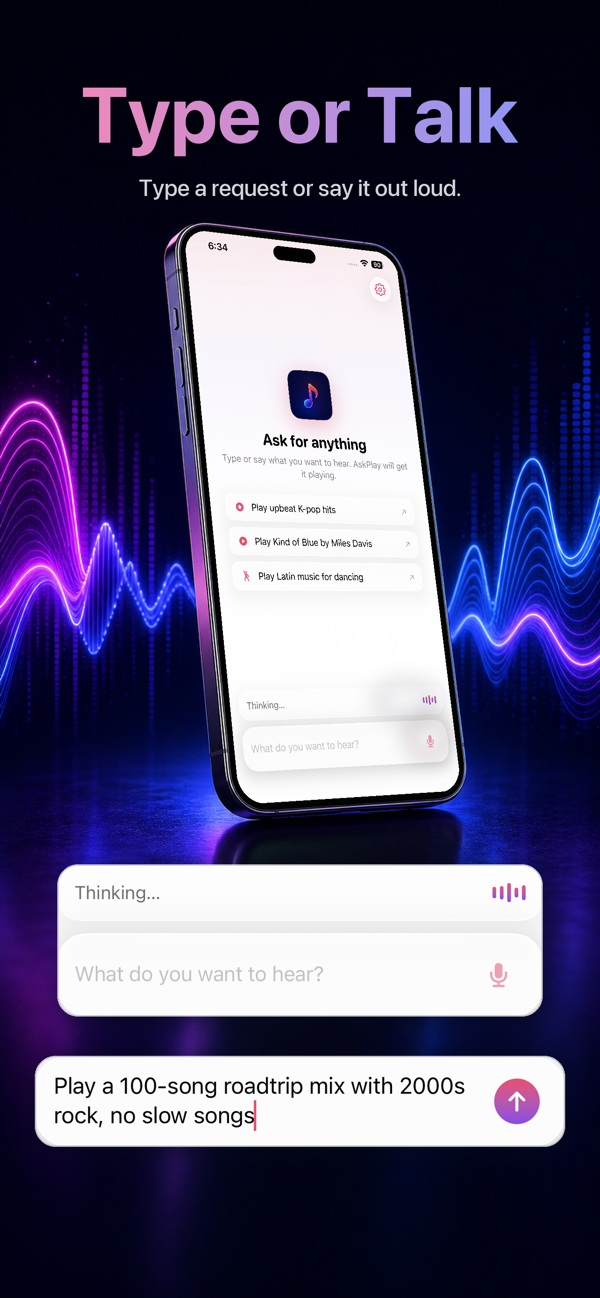
Dictate with live speech recognition or type natural language requests.
AI generated mixes
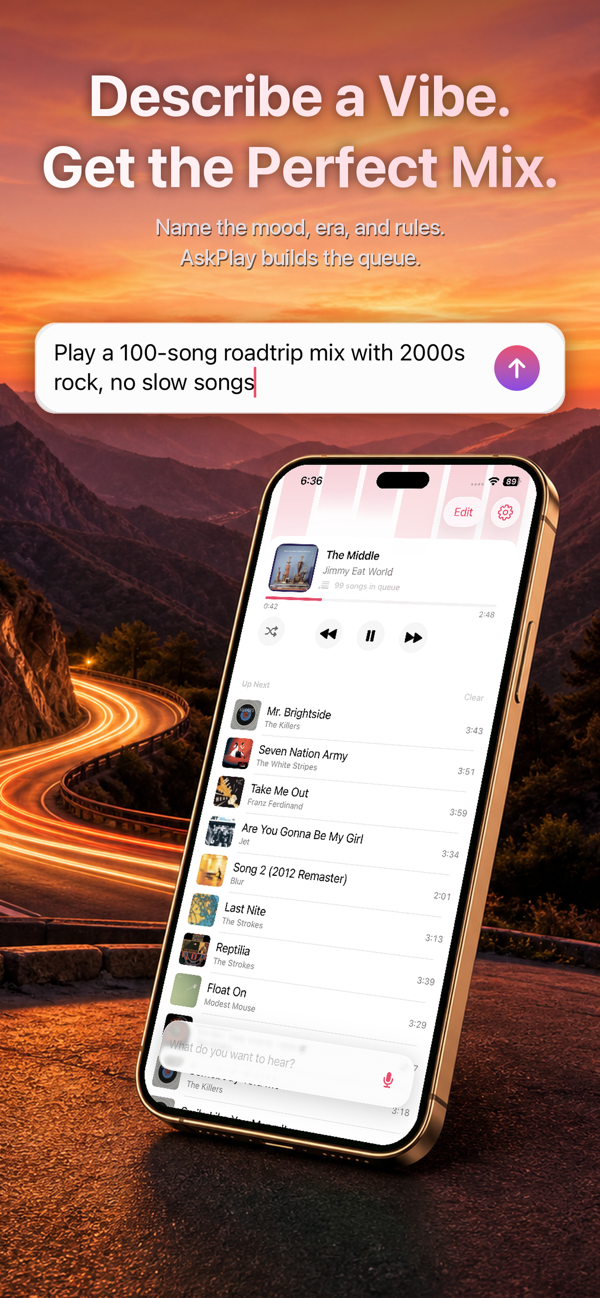
Real, hand picked song mixes from any mood, era, genre, activity, or theme, not a generic radio feed.
Apple Music radio stations
Start a continuous station by genre, mood, artist, or your own personal station.
AI without an API key
Choose Private Cloud Compute in AskPlay 2.0, or use your own OpenAI, Anthropic, or OpenRouter API key.
Talk to your music
Say what you want.
Hear it instantly.
Natural language goes in, real Apple Music actions come out: play, queue, mix, save, rate, search, skip, seek, shuffle, and more.

Three keys, infinite music
From thought to track in seconds.
Summon
Press Option + Space from any app. The prompt bar floats above everything.
Ask
Type or hit your voice hotkey and dictate. AskPlay interprets it with Apple Intelligence or the AI provider you chose.
Play
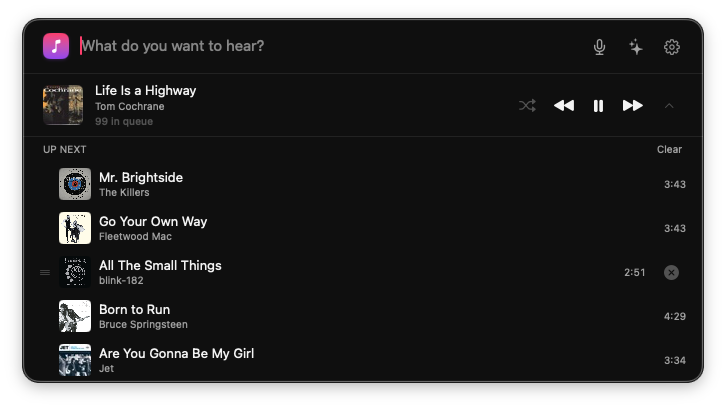
Apple Music plays, queues, mixes, or saves. Your queue is preserved unless you say otherwise.

One download, every device
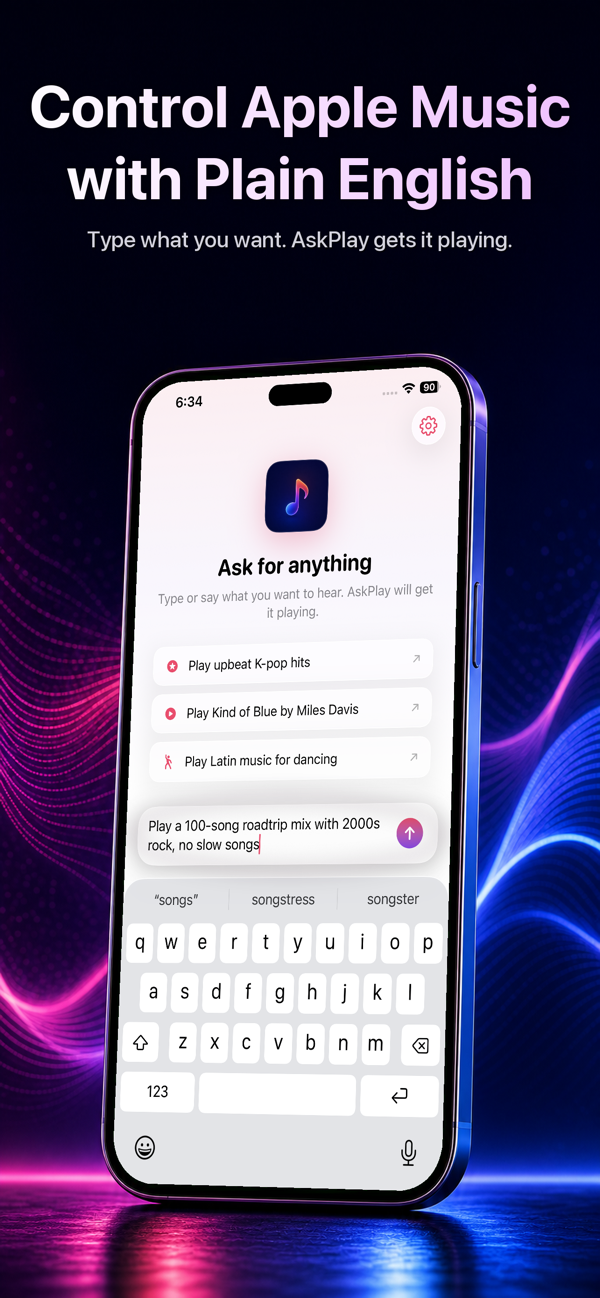
Now on iPhone, iPad & Vision Pro.
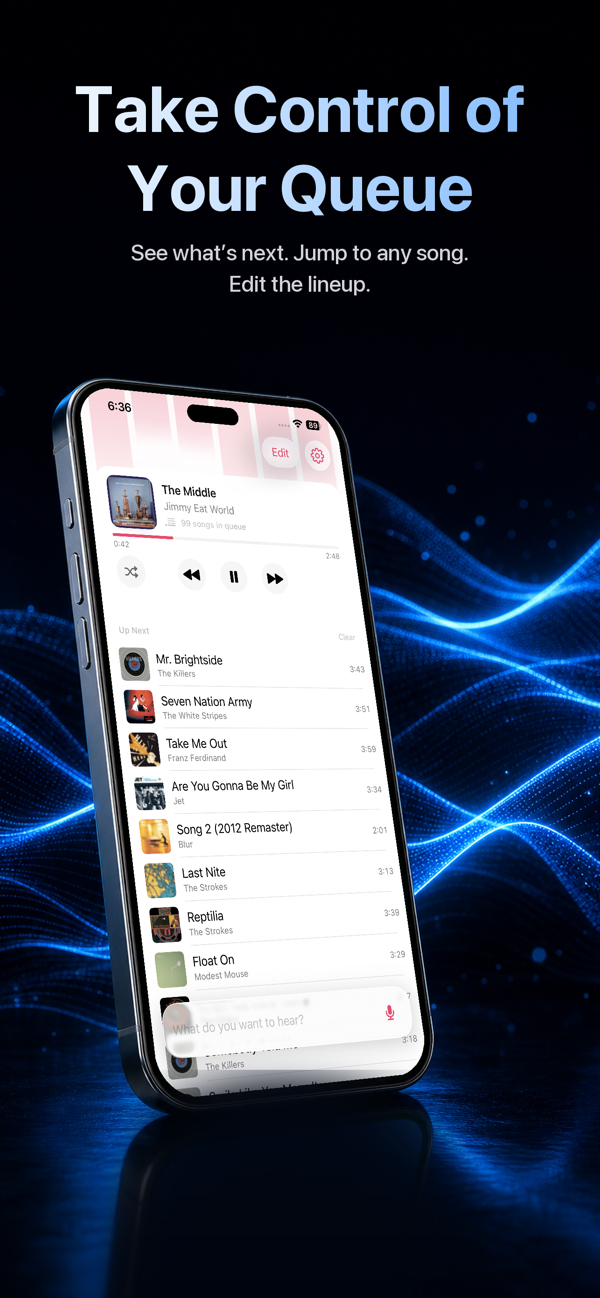
The same prompt bar, tuned for touch and voice. Ask for anything on the go, and your AskPlay subscription follows you across every device.
What it can do
Every Apple Music action, in plain English.
Playback, queue, library, playlists, ratings, search, radio stations, and AI generated mixes, all through one prompt bar.
Questions, answered.
Do I need an AI API key?+
No. AskPlay 2.0 offers Private Cloud Compute through Apple Intelligence as an option that works without an AI API key. Private Cloud Compute requires macOS 27, iOS 27, iPadOS 27, or visionOS 27 or later, with Apple Intelligence available on your device. Apple Music and AskPlay subscriptions are required.
Do I need Apple Music?+
Yes. AskPlay is a command layer on top of Apple Music, so you need an active Apple Music subscription and you grant AskPlay access during onboarding.
Do I need to pay for AskPlay?+
App access requires an AskPlay subscription. Monthly and yearly plans are available, handled through in app purchases.
Are voice features required?+
No. Microphone and Speech Recognition permissions are optional. Many people prefer to type, and both modes are first class.
Which AI providers are supported?+
Private Cloud Compute through Apple Intelligence, plus OpenAI, Anthropic, and OpenRouter. Choose Apple Intelligence in AskPlay settings to use Private Cloud Compute without an API key. The other providers use your own API key and support a live model list or custom model ID.
Where are my API keys stored?+
Securely in the Keychain on your device. They never leave your device except to call the provider you chose.
Which devices does AskPlay run on?+
Mac, iPhone, iPad, and Vision Pro. One download covers them all, and your AskPlay subscription works across every device signed in with your Apple Account.

Press ⌥ Space.
Play anything.
A native app for Mac, iPhone, iPad, and Vision Pro. Lightweight, fast, and quietly powerful.